

Support in Swedish | Norweigian
Confect Support
Submit a support ticket here
Do you have a question, or need a hand?
We're here to help. Use our form to submit your ticket, or browse our knowledge bank for quick answers to common questions. Our aim is to get you fast, effective help so you can carry on with your day.
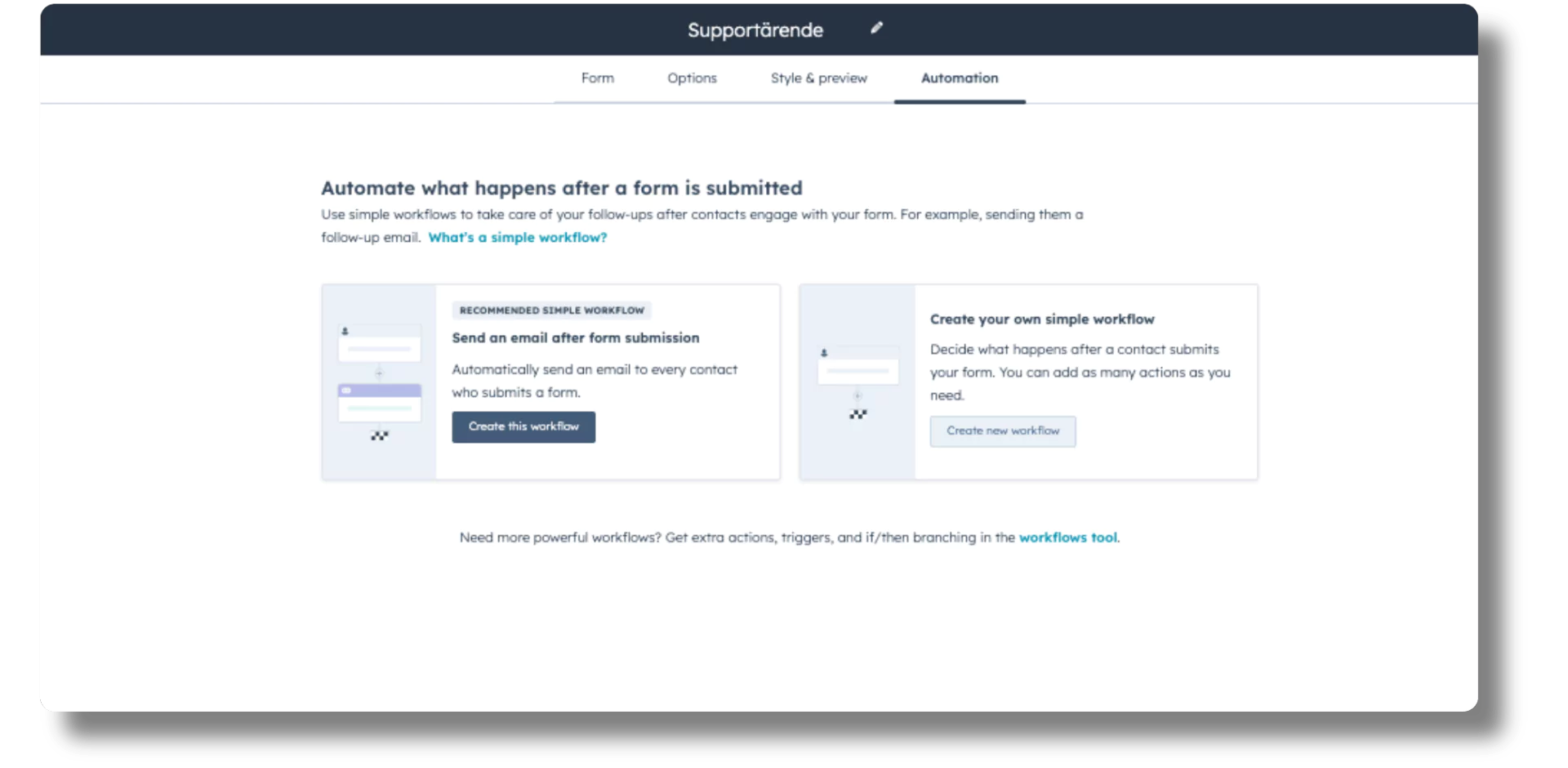
Submitting your ticket
When you submit your ticket through our support form, a ticket is created automatically in HubSpot Service Hub.
A consultant is assigned to handle it. In HubSpot, every case is represented by a unique ticket, which is its own object in our CRM system.
Reviewing your ticket
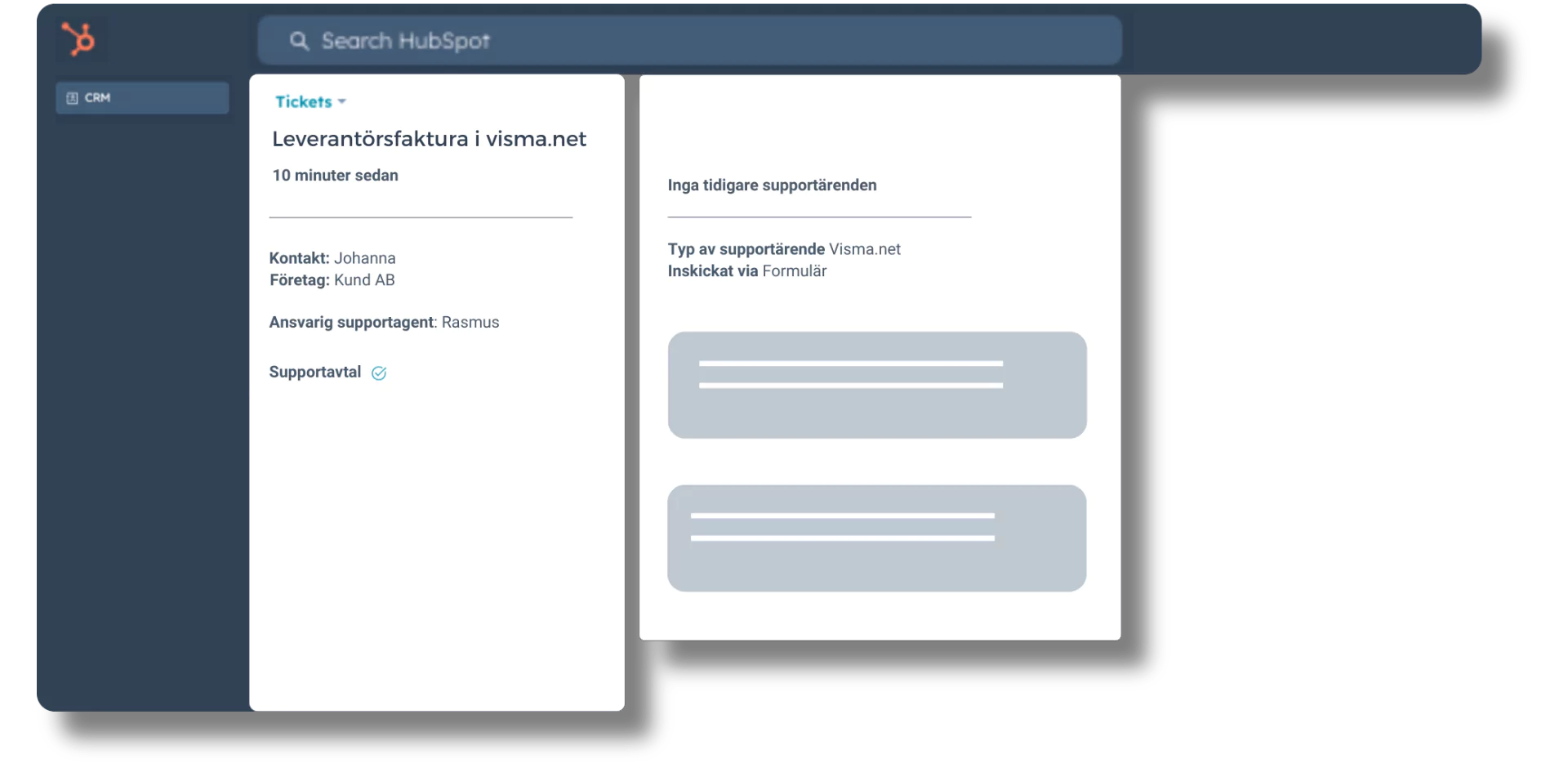
The consultant reviews the ticket to understand the nature of the problem and its priority. In this phase we analyse the information and details you have submitted, so the right actions can be planned.
Here the consultant sees not only what you submitted, but also your earlier history. That includes other relevant context such as which company you work for, your relationship to that company, and which agreements exist between our organisations.
Action and resolution
Based on that review, the consultant takes the steps needed to solve the problem. That can mean technical adjustments, passing the ticket to a specialist in a specific area, or carrying out specific actions agreed in your existing service agreement.
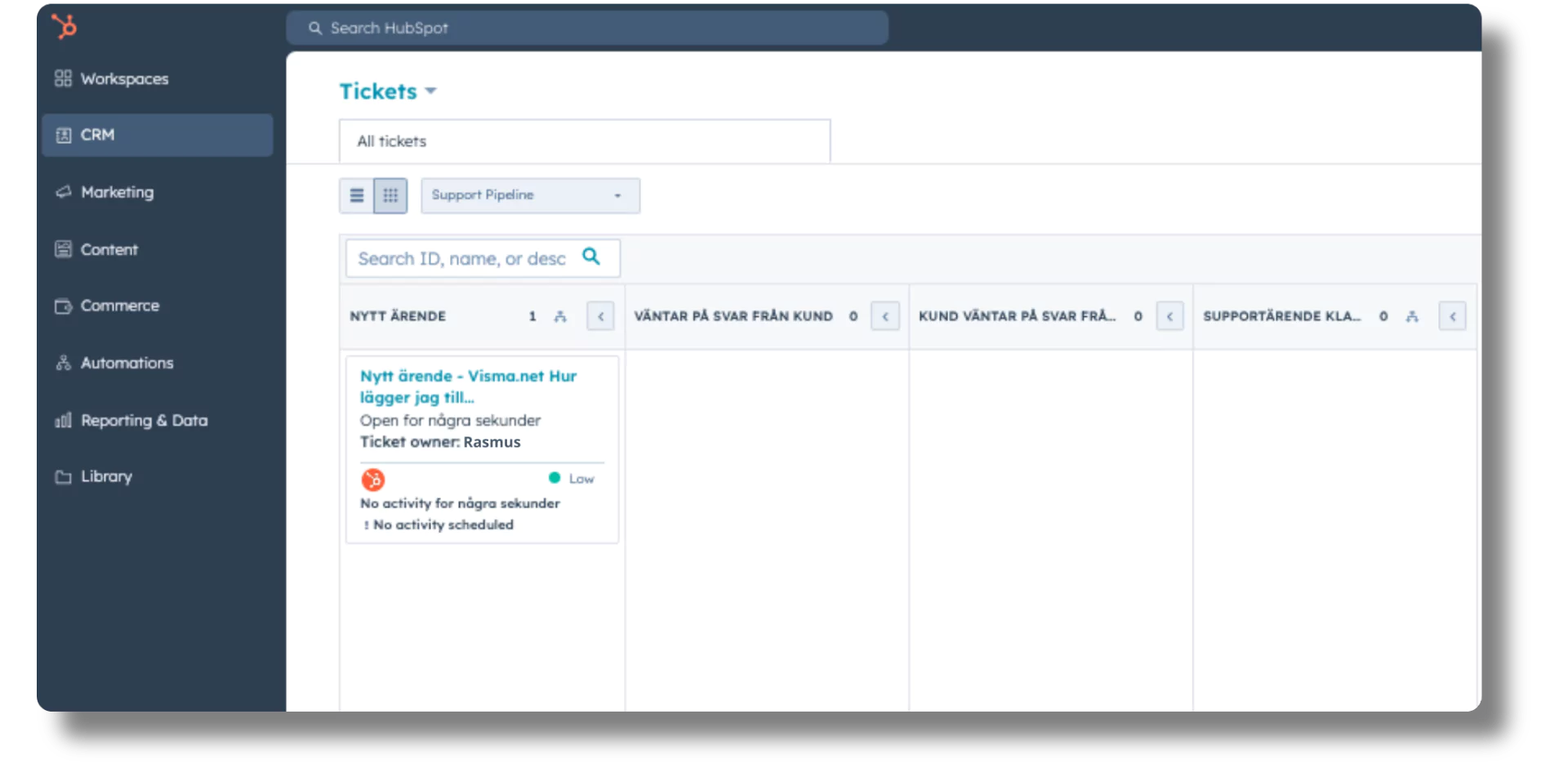
Your ticket sits in a dedicated pipeline that gives us an overview of every open case, the stage it is in and the actions required.
Updates and communication
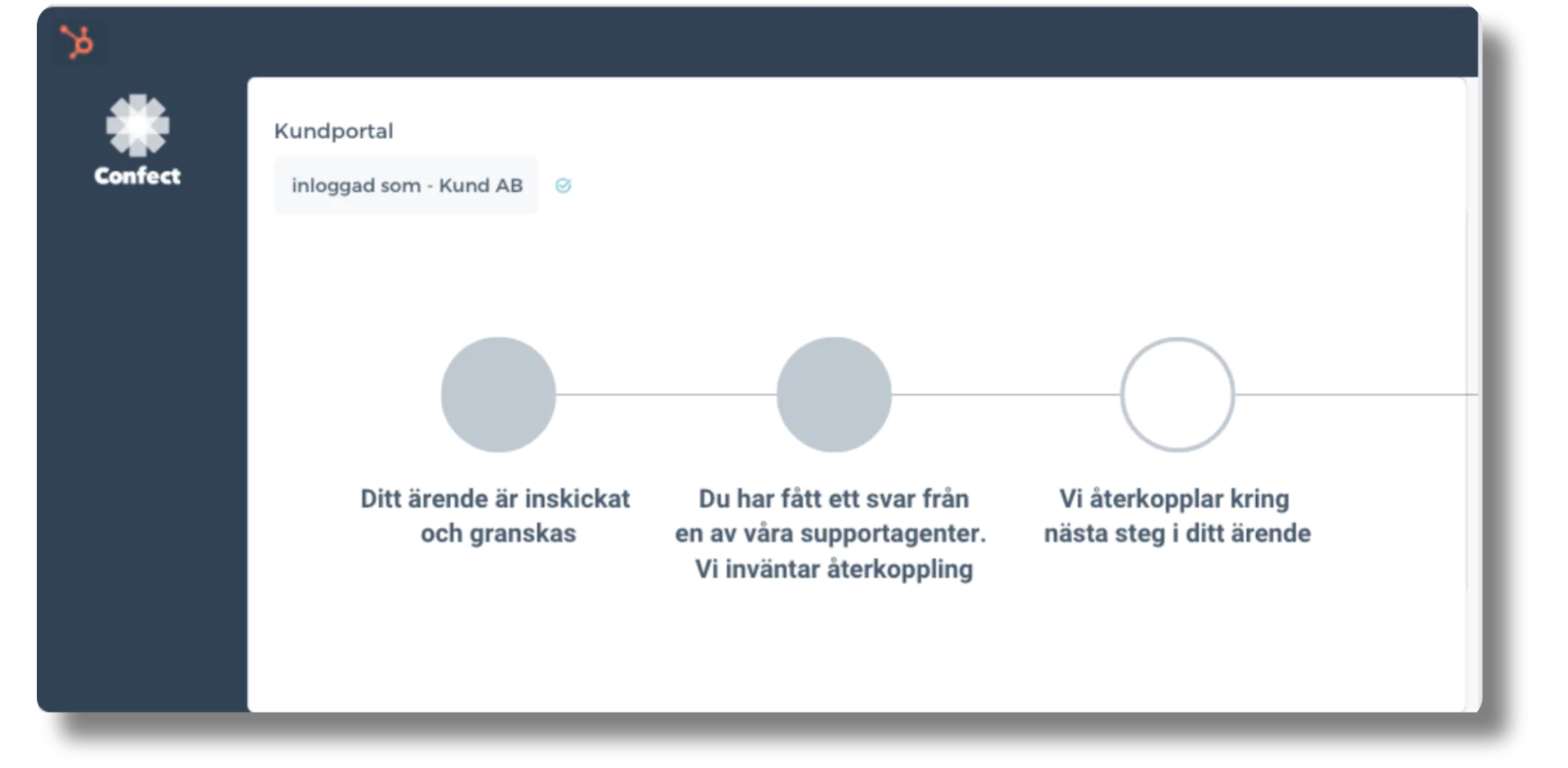
You are kept up to date on the status of your ticket throughout the process. We communicate by email, and you can also follow the status and context of your tickets in the customer portal we built in HubSpot. That gives you a clear and traceable line of communication with our support team.
Closing and feedback
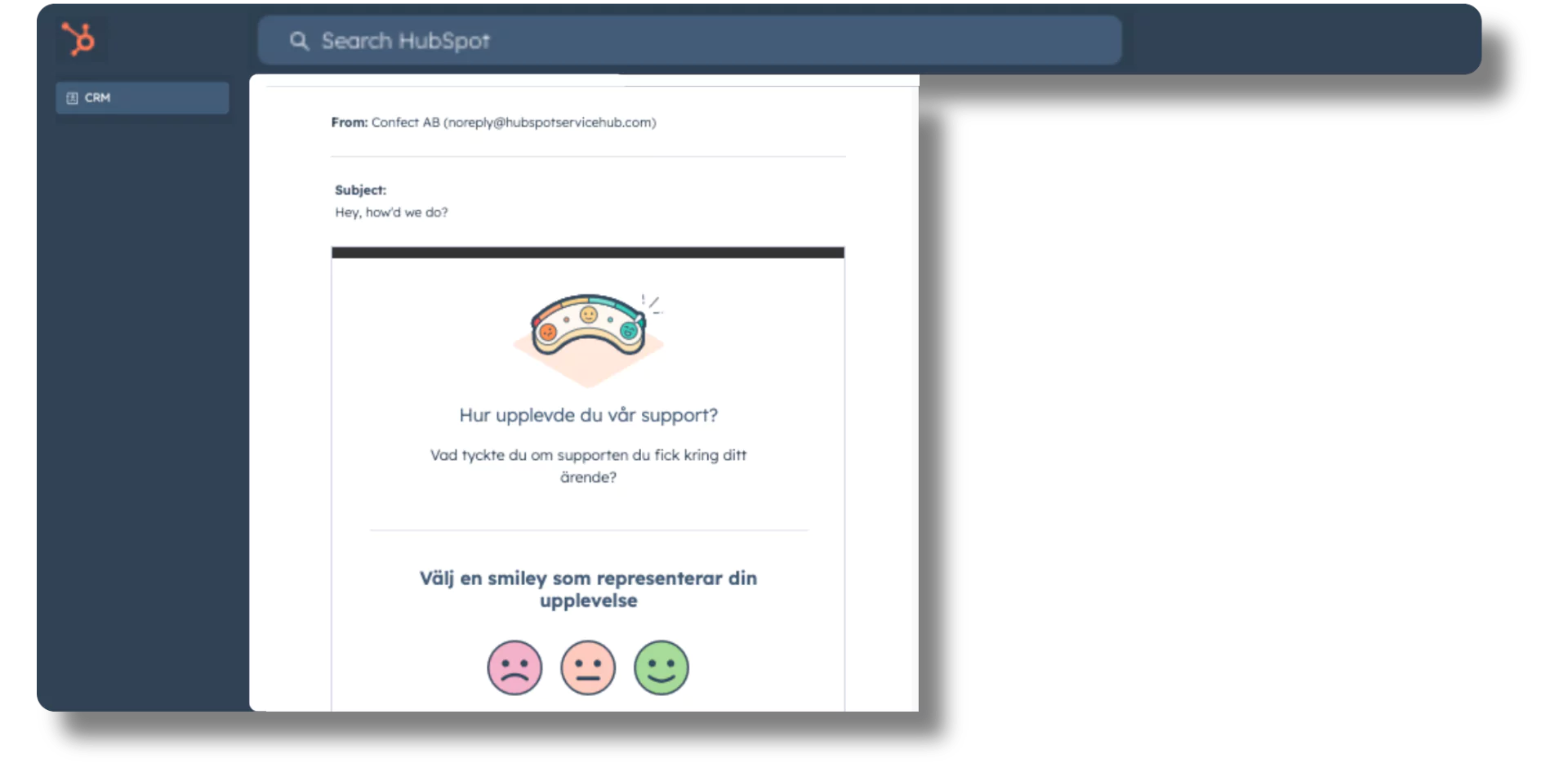
Once the problem is solved and the ticket is closed, you get a notification by email. We also ask you to tell us how you experienced the support process. Your feedback is what helps us keep improving our service and your experience.